

What works where
Switching devices
Your account works on any device. Sign in with the same email and password, and pick up from your progress page.- Steps you’ve finished stay finished.
- Some steps save as you go and some don’t. See Take a break and come back.
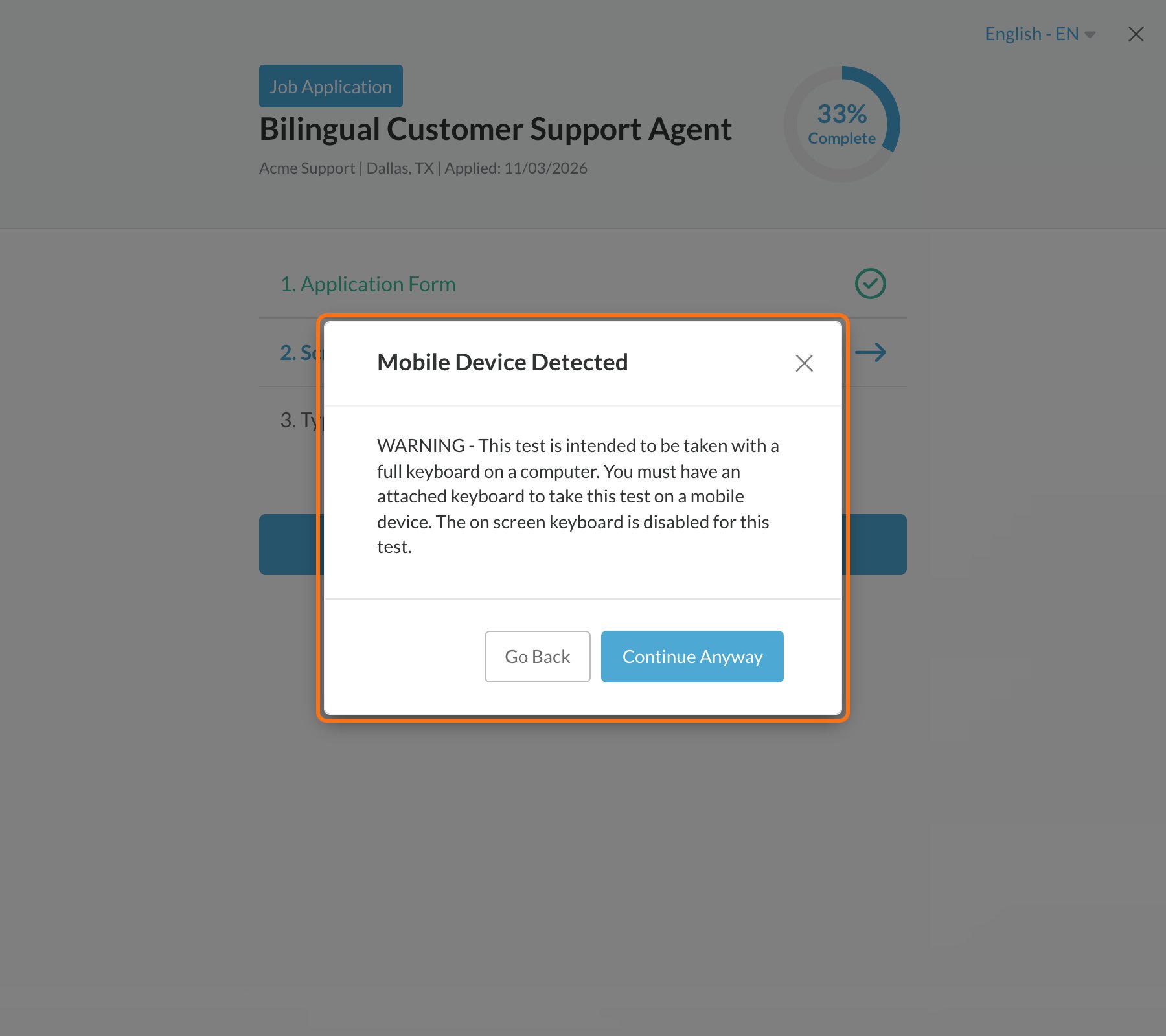
Messages you might see on a phone
Mobile Device Detected
Mobile Device Detected
Currently video recording is not supported on your current browser
Currently video recording is not supported on your current browser
On an iPhone or iPad, video answers only work in Safari. Open the application in Safari, sign in and continue.
Currently audio recording may not be supported on your current browser
Currently audio recording may not be supported on your current browser
On an iPhone or iPad, try Safari if recording doesn’t work.
Related
Before you start an assessment
A quick checklist.
Supported browsers
Which browsers work best.